Home · Blog · Guests and operations
Self check-in for vacation rentals: door codes, guest ID and a front desk that runs without you

Dmitrij Sitki · lead engineer at ReceptionGO
Published October 27, 2026 · 7 min read
Self check-in works when the guest finishes four things on their phone before they reach the door: confirm the stay, scan a photo ID, accept the house rules and pay anything still due. Only then does the door code appear, and it stops working at checkout. A lockbox with a code in the Airbnb message skips all four — and that is where parties, chargebacks and neighbor complaints start.
We set up online check-in, payments and door codes with you, free. →
Most “self check-in” on US vacation rentals is a lockbox code pasted into Airbnb. It works until the night it does not: four cars in a two-car driveway, a name on the booking that is not the person at the door, a balance nobody paid. A real check-in is the short list of things you used to do in person, done on the guest’s phone before they leave the airport.
What the guest needs, and what you need
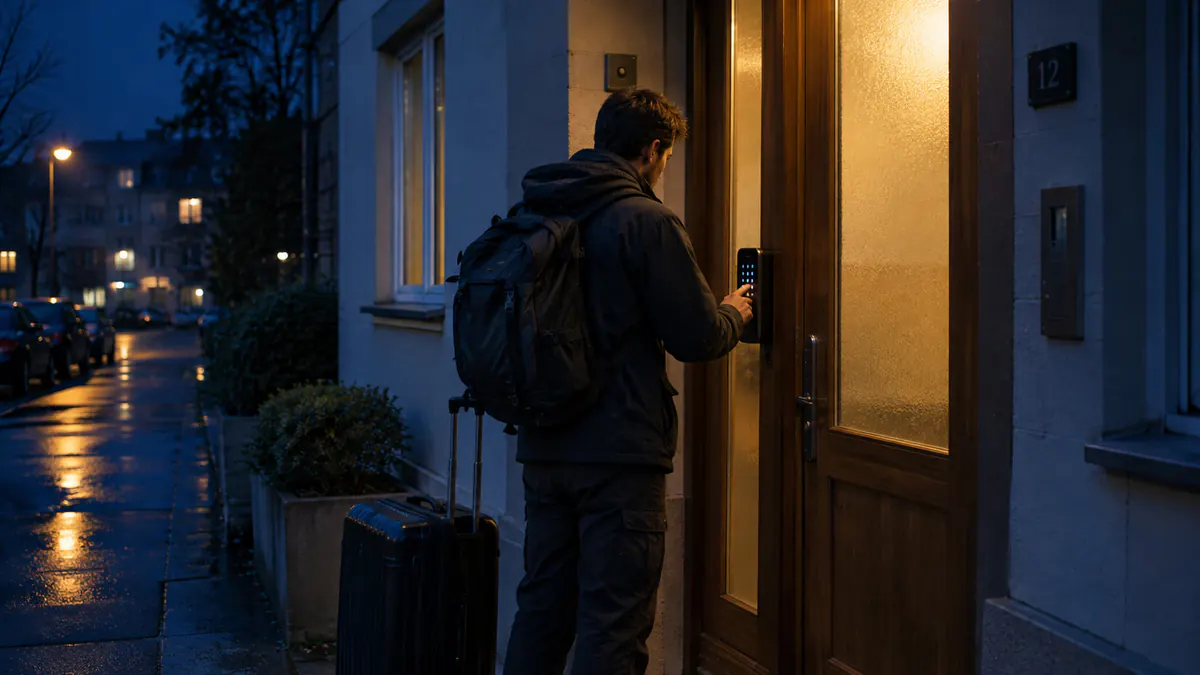
Guests want three things: the address that the app hid until booking, where to park, and a way in that does not depend on you answering. You want four things they will not volunteer: who is actually coming, that they saw the occupancy cap and the quiet hours, that the open balance is paid, and a code you can kill at 11am.
Those are not in conflict. They are the same five-minute page.
A check-in that guests finish
- One link per booking, sent in the channel thread so it does not look like a phishing text. Say what it is for in the first line.
- The lead guest, and every adult you can get, scans a driver’s license or passport. Name and date of birth come off the document. You are not building a biometric file — see what you can ask for, and what to skip.
- House rules as a tap, not a PDF nobody opens: how many people, no events, which gate, trash night, pool hours.
- Money that is still open — a balance, a pet fee you disclosed, a mid-stay extension — paid by card into your Stripe account.
- The code last. Wi-Fi, parking pin and the door PIN appear together, only when the steps above are done.
Lockbox, keypad, smart lock
| Lockbox | Keypad, one code | Smart lock, code per stay | |
|---|---|---|---|
| Guest gets in | Yes | Yes | Yes |
| Previous guest’s code dies | When you change it | When you change it | At checkout, by itself |
| You know who opened the door | No | No | Yes, on the lock log |
| Works if the internet dies | Yes | Yes | The code already on the lock still works; a new code needs the gateway |
A static code that has been in forty message threads is not a lock. If you are not ready for a smart lock, use the lockbox — and still withhold the code until check-in is finished. TTLock-style locks are the usual fit for a house or a small inn: one PIN for the gate and the unit, deleted when the booking ends. An alert when the gateway goes offline matters more than the brand, because a dead gateway is how a 9pm arrival becomes a locksmith.
The messages around the link
Check-in fails when the link arrives as a surprise at the curb. Three notes are enough: the day they book (“here is how arrival works”), two days out (the link), and the morning of checkout (“the code stops at 11, here is where the trash goes”). Templates and the tone that does not sound like a robot are in guest message templates for US hosts. The same page is where a no-party rule stops being a sentence in the listing and starts being something the guest accepted — see noise and party rules.
Motels, inns and more than one door
The same flow runs a motel that no longer staffs a night desk: prepaid, ID on file, a code for that room, a guest register you can actually search. That setup is its own guide, self check-in for motels and inns. Cabins and a campground office that closes at 5pm are the same problem with worse cell service — campground and glamping check-in.
None of this keeps the calendars honest. A direct guest who checks in while the dates are still open on Vrbo is an overbooking, not a success. The calendar side is a channel manager for vacation rentals.
Frequently asked questions
Do Airbnb guests have to use my check-in page?
You can require it in your house rules and listing. Airbnb’s own self check-in is a lockbox or smart lock instruction. Your page is where you collect ID, rules and a balance Airbnb does not see. Guests who want the code complete it.
Is a lockbox enough?
A lockbox gets people inside. It does not tell you who is inside, whether they accepted a no-party rule, or whether the balance was paid. Keep the box if you want a fallback, and stop putting the code in the first message.
What if the guest arrives with no signal?
Send the link the day they book and again two days out, while they still have airport Wi-Fi. A QR code on the door covers the guest who never opened the message. The code itself should not depend on their signal once it is on the lock.
Can I charge a damage waiver or the rest of the stay at check-in?
Yes, if your listing and terms say so and the total price the guest saw up front included every mandatory fee. The FTC fee rule applies to your own site and to how you describe the stay. Optional extras can wait until check-in.
Does this replace a property manager?
It replaces the driveway meetup and the 11pm text. Turnover, maintenance and a local person who can be at the house in an hour are still yours — many city permits require that person by name.
Free help with setup
We connect your channels, Stripe and smart locks with you and set up the check-in page. The first 30 days are free, and setup help is always free.
Start freeSources
- Airbnb — Self check-in
- Airbnb — Party and events policy
- FTC — Rule on Unfair or Deceptive Fees: FAQ
- U.S. Department of Homeland Security — Blue Campaign
Rules last checked on October 22, 2026.